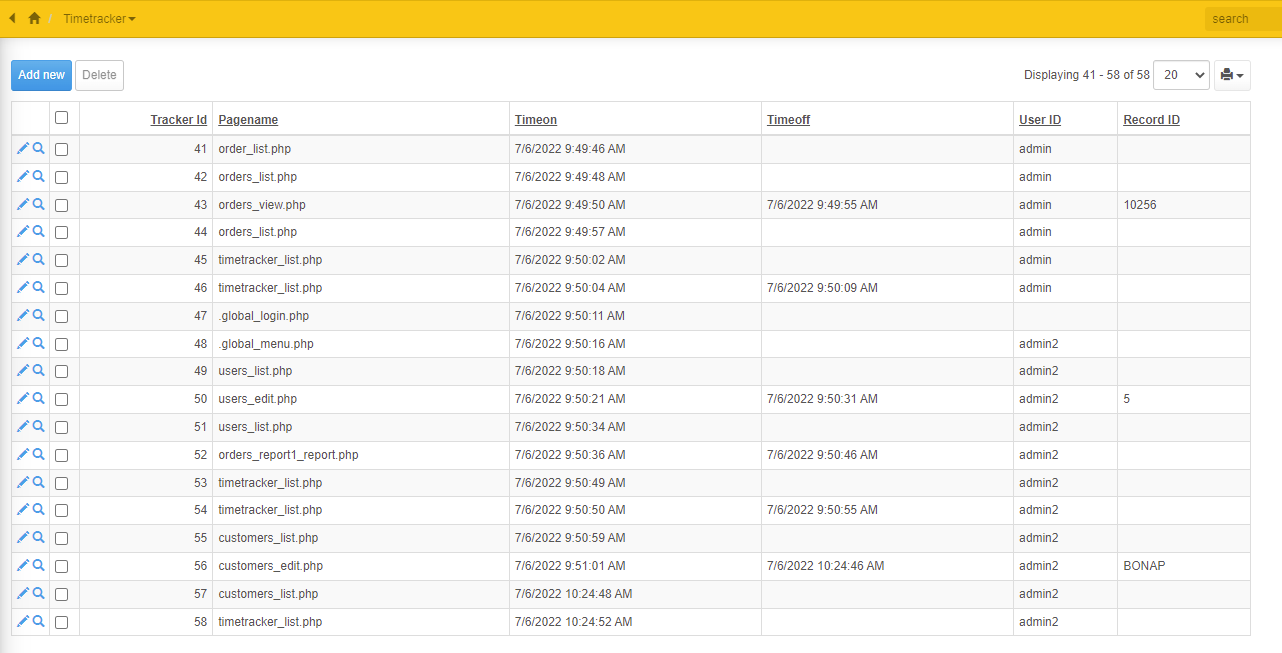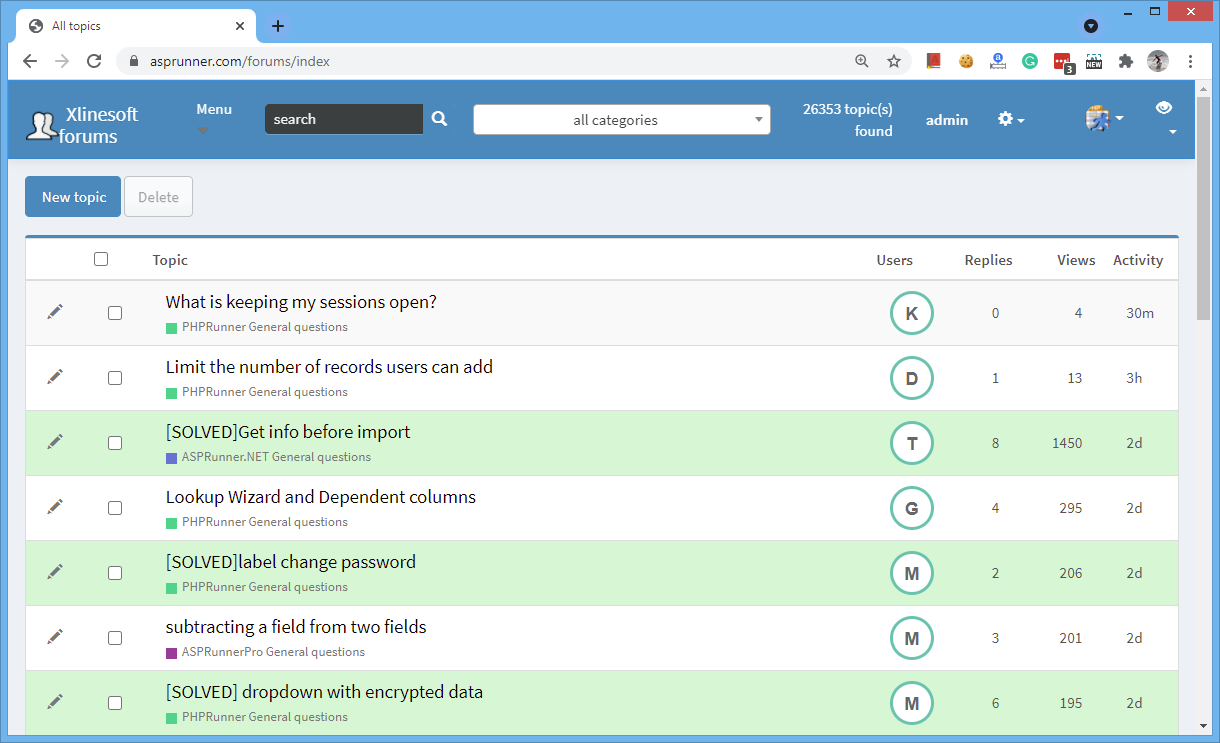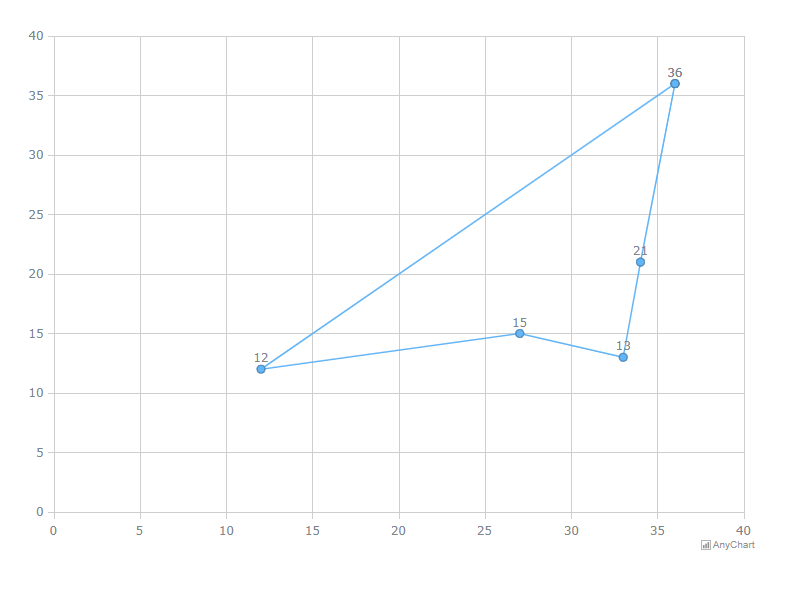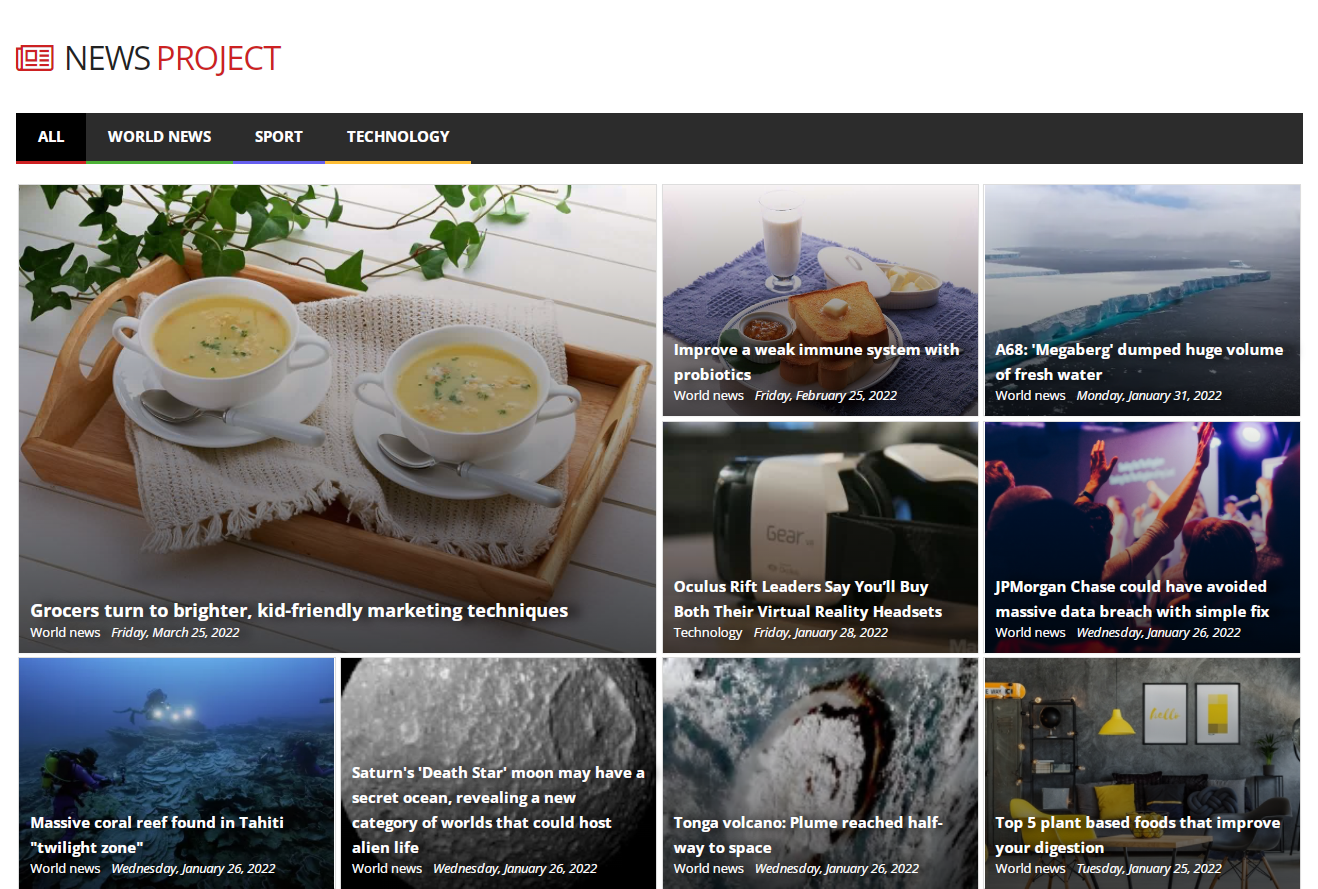
When you build a public-facing application you need to make sure it looks sharp. In this article, we’ll show you a few ideas of how you can make PHPRunner and ASPRunner.NET projects look unique.

List page grid

Let’s start with the grid on the List page. As an example, we will be using a recently updated News template that comes with PHPRunner and ASPRunner.NET. We want to draw attention to the very first element, making it bigger than others.

Continue Reading "Building visually appealing web applications"

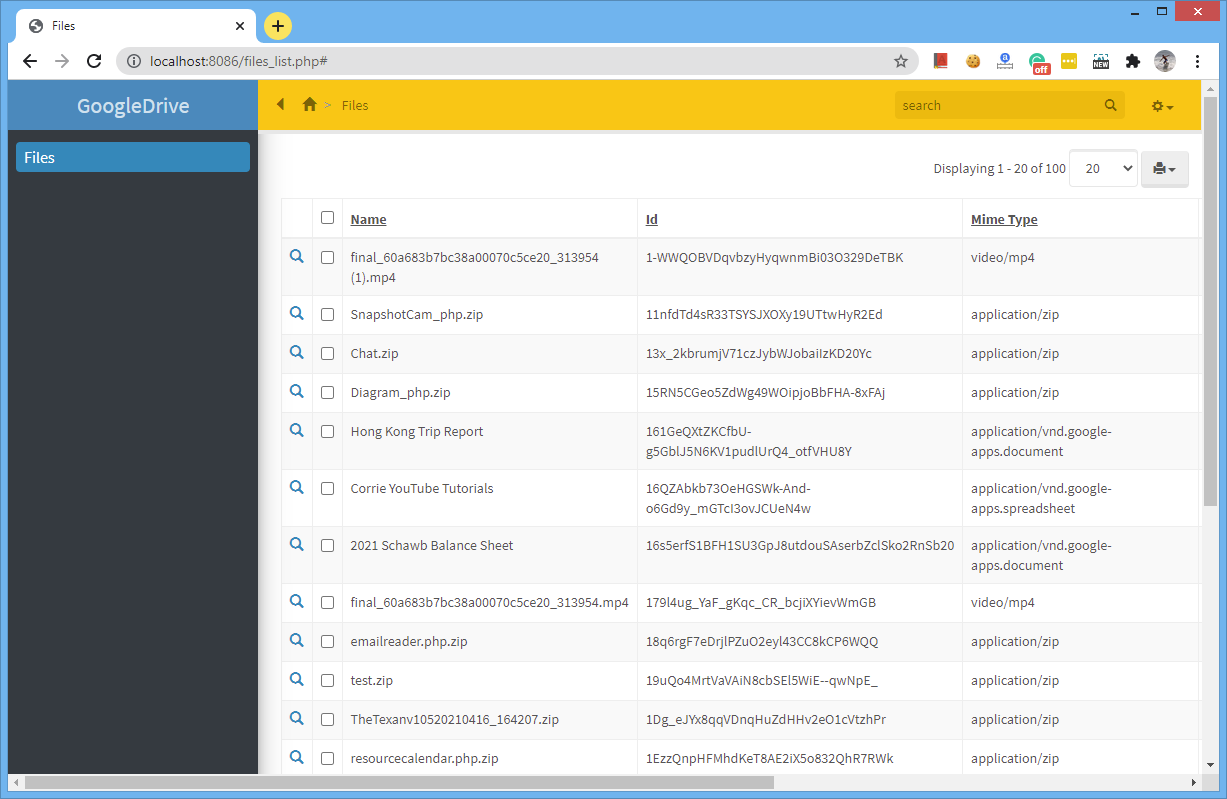
This tutorial shows how to retrieve a list of files from Google Drive through the Google Drive REST API and display those files in a PHPRunner or ASPRunner.NET application.

The example focuses on listing and viewing files. The same REST API can also be used for other Google Drive operations when the appropriate permissions are granted.

Continue Reading "Connect PHPRunner to Google Drive with the REST API"

Some web applications need to provide quick access to certain pages or documents. For instance, you can share a file via such a link or send a link to an invoice to be paid to your customer like the one on the screenshot below. Let’s see how you can implement this kind of link in your own project. The key is to create add a new text field to the table with invoices or documents that will store a long unique record identifier which will…Continue Reading “Providing access to web application via unique link”

Updated August 2026.

Low-code tools can handle much of the repetitive work involved in building secure web applications, but deployment and configuration still matter. Applications created by PHPRunner and ASPRunner.NET include built-in protections against common web application vulnerabilities such as SQL injection, XSS, and CSRF. For an overview of the most common web application security risks, see the OWASP Top 10.

In this article, we focus on additional security measures that are not directly related to generated application code but are still important when deploying a public web application. Use this checklist as a starting point and adapt it to your hosting environment, data sensitivity, and security requirements.

Continue Reading "Building secure low-code web applications"

Dialog API runs in JavaScript, but the values you want to display in a dropdown often come from a database. The solution is to retrieve those values on the server, pass them to JavaScript with setProxyValue(), and then use them as the lookup options in your dialog.

The process has three steps:

  1. Query the database and build an array of lookup values.
  2. Pass that array to JavaScript using setProxyValue().
  3. Use the resulting proxy value as the Dialog API lookup options.

This approach works in both PHPRunner and ASPRunner.NET. The server-side code is different, but the Dialog API JavaScript is the same.

Continue Reading "Populate Dialog API Dropdowns from a Database in PHPRunner"

Enterprise Edition of PHPRunner and ASPRunner.NET provides Active Directory authentication option. It is a useful feature but it has some restrictions, for instance, you cannot use a hybrid database/AD approach where some users will use Active Directory login and some others will have their usernames and passwords stored in the database.

This changes in version 10.6 where Active Directory is no longer a replacement for database-based login but a supplement. Active Directory is now considered a “security provider” and works the same way as “Login via Google” or “Login via Facebook”. We are also adding new security providers like OpenID, SAML, AzureAD and Okta.

This is how it works on the backend side. If you have used “Login via Google” or “Login via Facebook”, you should be already familiar with this concept. When user logs in via a third-party security provider we create a record in the users table with a unique id that for Facebook starts with fb, for Google it starts with go, and for Active Directory that prefix will be ad.

Continue Reading "New security providers in version 10.6"

As web developers, we deal with large amounts of data every day. Sometimes it helps to sit back and take a closer look at the data in hand and see what data is trying to tell.

Here, at Xlinesoft.com customer support is one of the most important parts of the business. We deal with a large number of emails and helpdesk tickets every day and, as a small weekend project, we decided to build a few charts to analyze those emails. We are sharing these results here and hoping that it can provide you or your clients with some insights.

First of all, we analyzed incoming support requests by the hour of the day. There is no surprise that 9am to 1pm US Eastern time is the busiest time of them all as emails from Europe and tickets from both East and West coast are coming in. We grouped those emails by the hour of the day and placed them on the world map with timezones for easy digesting.

Continue Reading "Analyzing incoming emails"