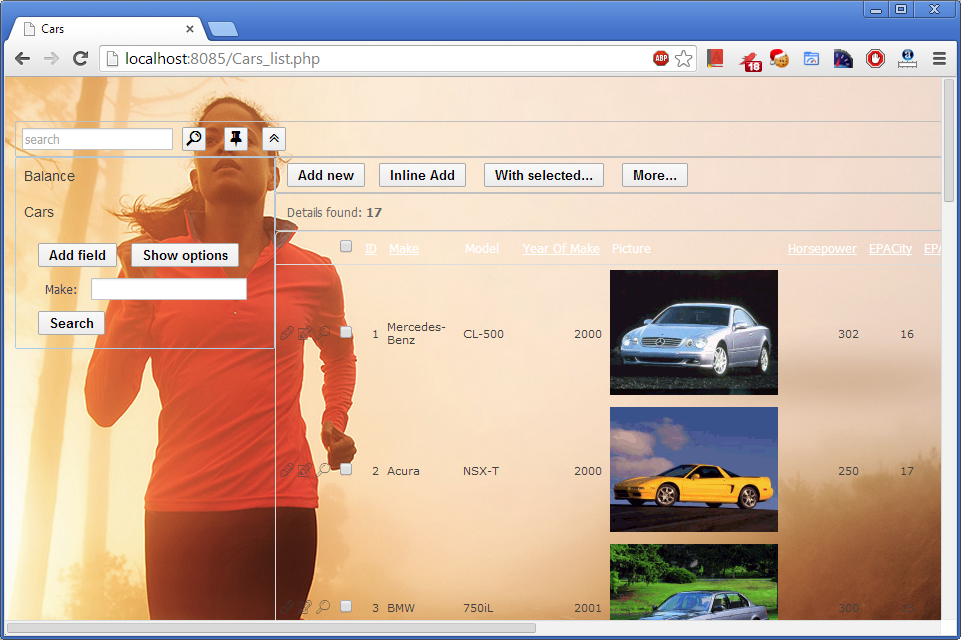
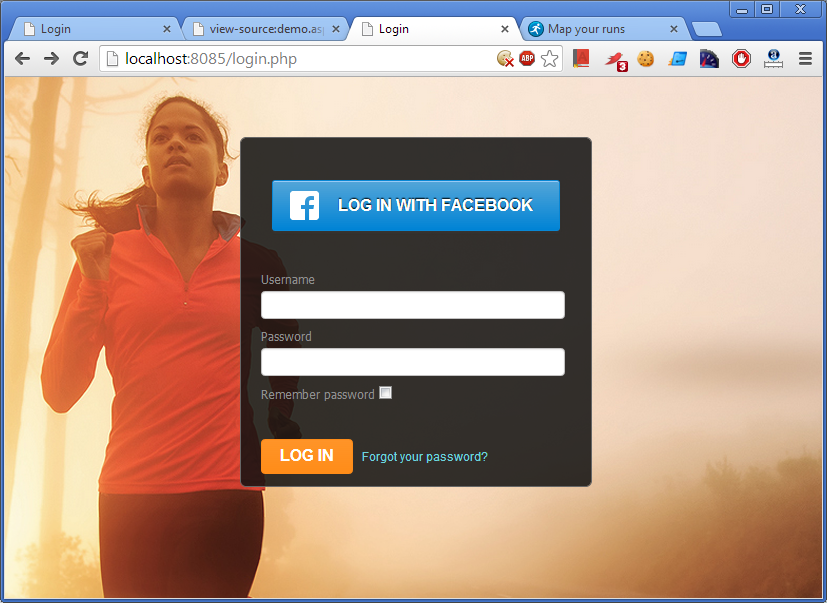
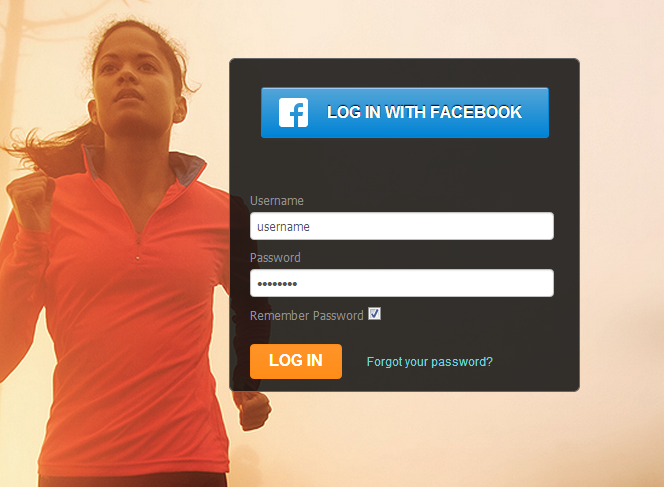
PHPRunner 7.0 and ASPRunnerPro 8.0 add a new new ‘Custom CSS’ feature – an easy way to modify the appearance of your pages adding bells and whistles Style Editor doesn’t support. Lets see how we can build a custom login page similar to this one:

Building the best web application builder, one byte at the time
PHPRunner 7.0 and ASPRunnerPro 8.0 add a new new ‘Custom CSS’ feature – an easy way to modify the appearance of your pages adding bells and whistles Style Editor doesn’t support. Lets see how we can build a custom login page similar to this one:

Major new features
Add CSS rules manually in Style Editor to build professionally looking pages. Take a look at this customized login page: page background, input controls and Facebook button appearance were adjusted via CSS rules added in Style Editor. Click this image to open sample app in browser.
Data validation is very important in web applications. You do not want your users to enter incorrect data. Our web application builders can help you with this.
In this article we cover different validation type starting with built-in validation and making it all the way through to advanced AJAX-based validation.
Client side validation (Javascript based) provides instant feedback to the user making it a good usability choice.
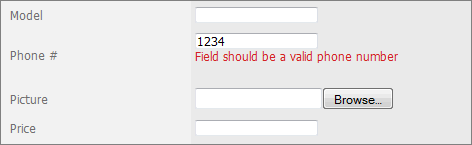
This validation will work if you need to make sure that all required fields are populated or validate a relatively simple data format like US Social Security Number.

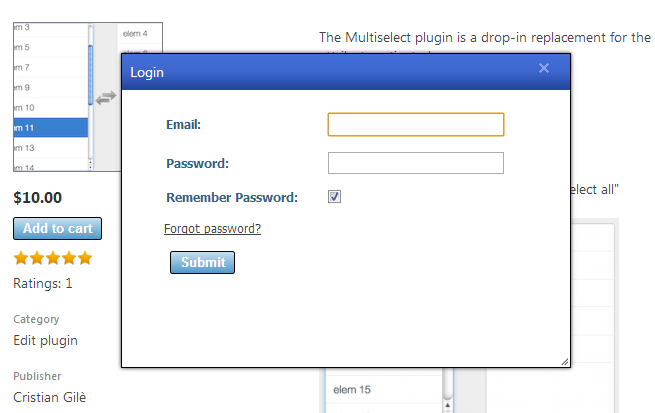
If you take a look at Xlinesoft Marketplace you will find that many functions like login/register/rate are implemented in popup windows. This approach greatly improves usability, users do not need to leave the page they are on in order to logon. This article shows how to add such functionality to your PHPRunner or ASPRunner application.

PHPRunner 6.2 and ASPRunnerPro 7.2 add an exciting new feature – custom edit controls. You are longer limited by stock Edit controls that come with the software. And the best of all, creating new Edit controls is not complicated and we’ll show how this can be done.
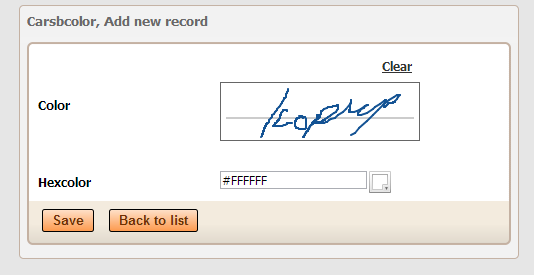
We will show you how to create ColorPicker and SignaturePad plugins. Before we proceed I recommend to check the following live demo that showcases both edit controls plugins. SignaturePad control works on mobile devices as well.
Continue Reading "How to create your own Edit control plugin"We plan to release a beta version of new PHPRunner and ASPRunnerPro in August-September 2012. Here are some of new features you can expect in this update.
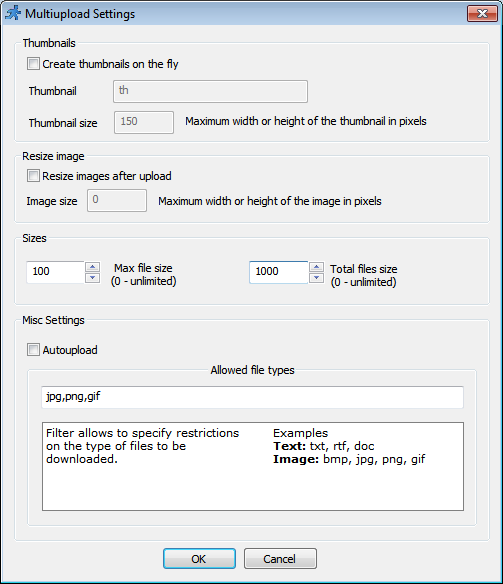
Upload settings:

In this article we will be focusing on debugging and troubleshooting the JavaScript errors. We will look at few examples to illustrate the methods used. For this purpose we will be using developers tools that come with Chrome browser. If you use Firefox – download and install the Firebug. Firebug is an extension to Mozilla Firefox web browser which allows us to monitor and debug the JavaScript in any web page. var ctrlPrice = Runner.getControl(pageid, ‘Price’); var ctrlQuantity = Runner.getControl(pageid, ‘Quantity’); var ctrlTotals = Runner.getControl(pageid,…Continue Reading “How to troubleshoot Javascript errors”
In this tutorial we’ll find out how to troubleshoot chart errors in our applications. PHPRunner and ASPRunnerPro applications use Flash-based charting component that receives data in XML format. If any error happens while generating XML input you will see the following message instead of chart: XML Parser failure: The element type must be terminated by the matching end-tag. Lets go a bit deeper. Right anywhere on the page (except on chart itself) and choose ‘View source’. In HTML source search for the first occurrence of…Continue Reading “Troubleshooting charts in PHPRunner and ASPRunnerPro applications”
Lets says you have a database of cars. You have added a button to the List page that should update selected cars statuses as ‘Sold’. Your code looks good and passes syntax check still doesn’t work when you run your application. The worst of all – it doesn’t produce any visible errors. In this article I’ll show you how to catch errors like this one. We are going to need either Chrome or Firefox with Firebug addon installed. Our screenshots are taken in Chrome. Open…Continue Reading “Troubleshooting custom buttons in PHPRunner and ASPRunnerPro applications”
This is the second video in educational series that shows how you can create a simple project, connect to your database, build it and view in browser. Here is the outline: connection to local or remote MySQL database previewing your application using built-in web server XAMPP installation previewing your application using XAMPP’s web server (Apache) uploading your application to the remote web server transferring your MySQL database to remote web server running your application on remote web server Watch it on Youtube (make sure you…Continue Reading “Video: connection to remote MySQL, XAMPP installation, FTP upload”