Version 10.5 of PHPRunner, ASPRunner.NET and ASPRunnerPro is here!
What’s new in this version
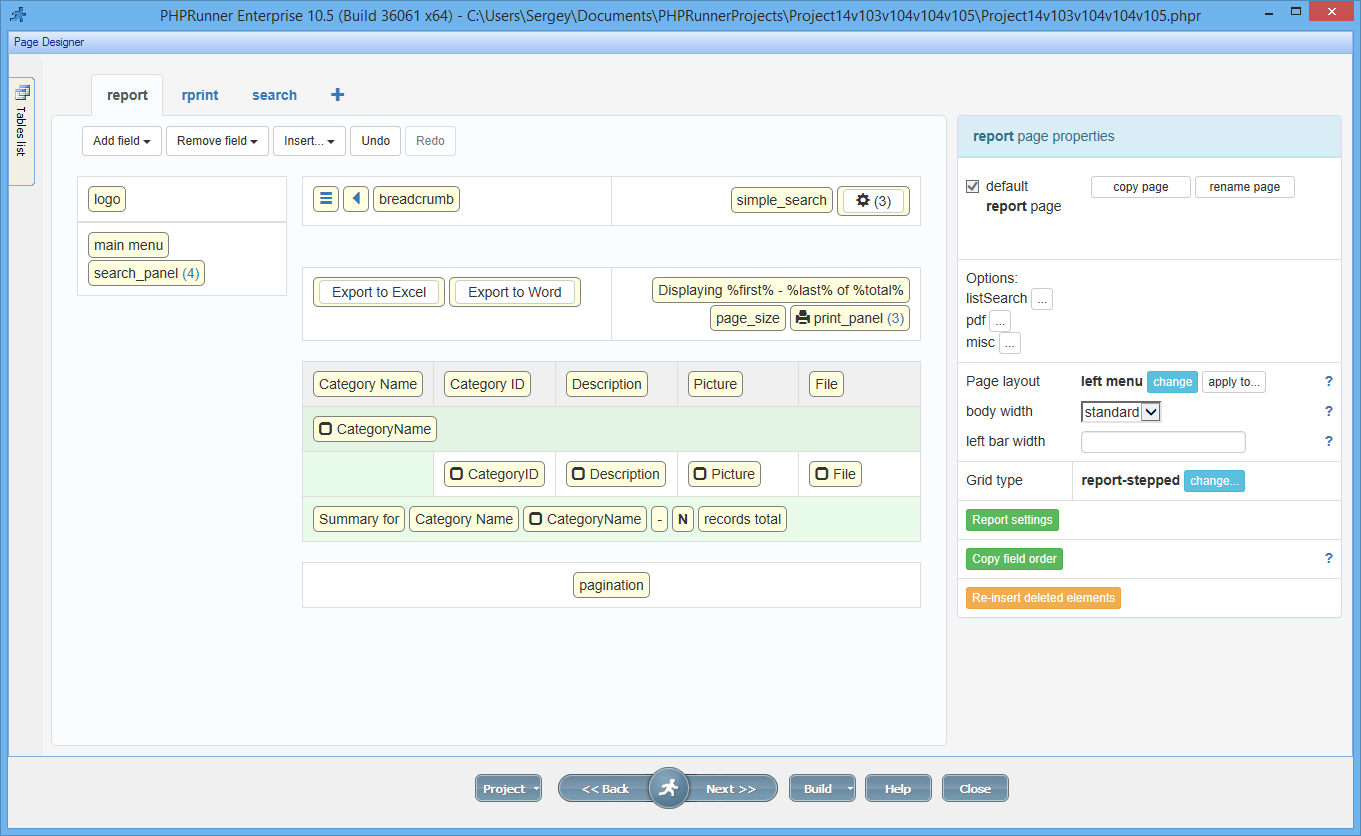
1. Reports editing in Page Designer
Building the best web application builder, one byte at the time
Version 10.5 of PHPRunner, ASPRunner.NET and ASPRunnerPro is here!
1. Reports editing in Page Designer
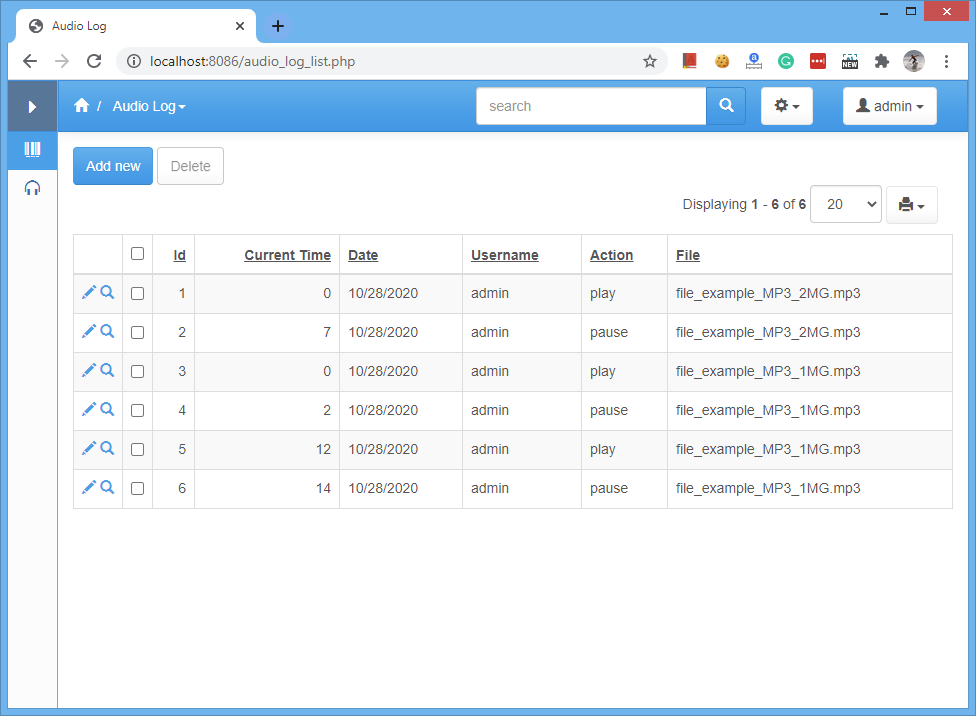
If you have a website with a large number of audio files you might be interested in collecting stats like who listened to what and for how long and where they paused and started again etc. Turns out that collecting data like this and saving in the log table is easier than you would think.
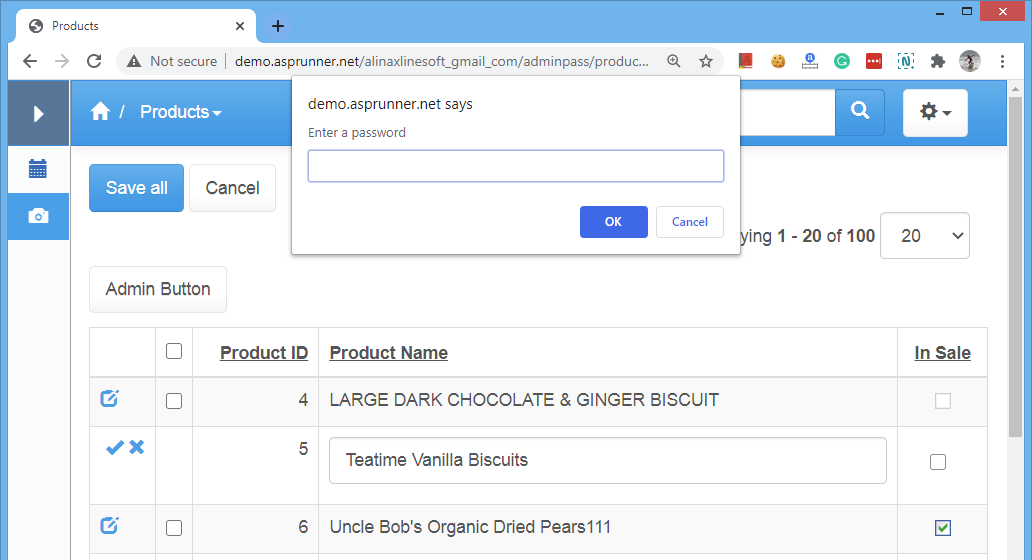
Some businesses may require two people to confirm certain actions like big transactions may require a supervisor’s approval. Another scenario – certain actions require entering the second password. This additional password can be changed daily and distributed among employees in the morning along with the secret handshake. Btw, the whole application doesn’t need to be password-protected, you can add the password to a certain action.
In this article, we will show how to implement this additional password security feature. We will cover two scenarios here:
1. Password-protecting custom button
2. Password-protecting editing the field in inline mode
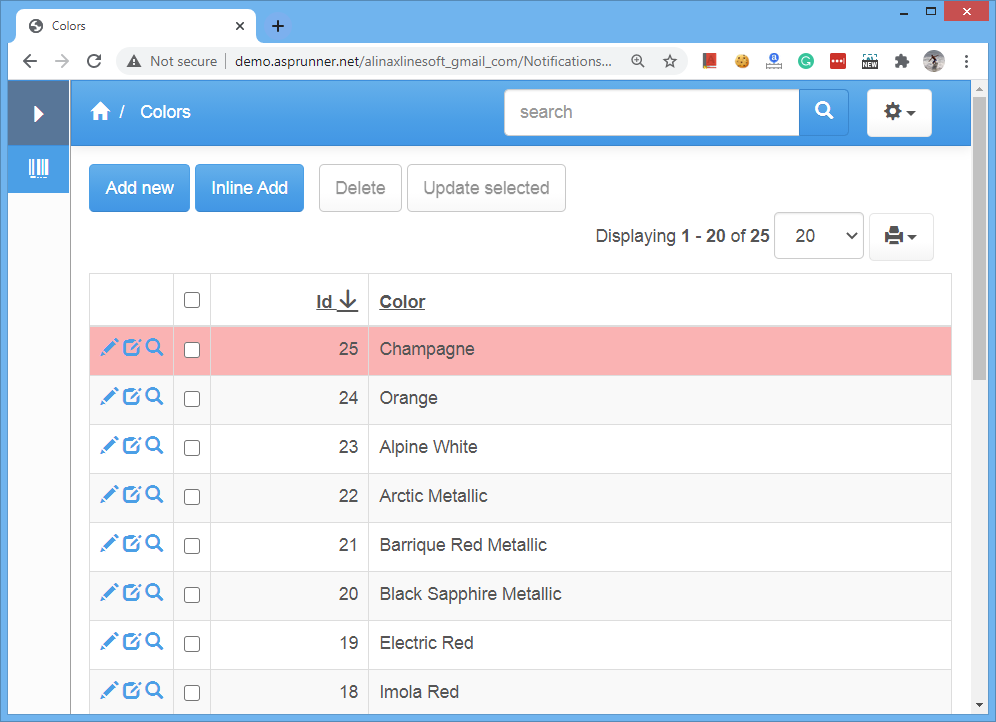
In multi-user applications, new records may be added while another user is already looking at the List page. A helpdesk is a typical example: customers submit tickets while support staff keep the ticket list open and need to see new items quickly.
This example periodically checks whether new records were added. When new data is detected, the page can either reload automatically or display a notification. Newly arrived records are also highlighted so they are easy to notice.
This article explains how you can implement context help in your PHPRunner or ASPRunner.NET application. Maybe you need to display some hints for users or a link to a more detailed page in the manual. If you ever checked PHPRunner or ASPRunner.NET live demo you probably noticed how it looks there: We, of course, do not want to add those messages manually to every page. Instead, we will store all those messages in the database and display the relevant message based on what page we…Continue Reading “Context help in your web applications”
We have discussed the topic of making a beautiful login page in this post. What if we can take it to the next level automatically changing the login page background once a day? It is easier than you think. We are going to use of Reddit forums where people post pictures of our beautiful planet. There are communities there for every taste: cute animal pictures, wallpapers, abandoned buildings, astronomy pictures so you can find something that fits your website theme. Here is how the sample…Continue Reading “Dynamic login page background”
Business Templates are pre-built mini-projects that can quickly add some specific functionality to your projects like Calendar or ToDo List. This article will teach you how to become a Business Template guru.
Btw, here are top three templates of all times:
| Calendar template | DocManager template | Quiz template |
 |
 |
 |
Master-details is a very useful feature but the details table may clutter the UI. We have seen projects where people have more than a dozen details tables and it would be useful if we can hide some that are not relevant to the current master table record.
Let us take a look at this completely artificial example. A typical setup with Orders table as a master and Order Details, Employees, and Customers as details. We would like to hide the Employees table tab when OrderID is more than 10300.

A PHPRunner application can use the browser Geolocation API to request the user’s current latitude and longitude. Those coordinates can then be passed to the server and used for features such as nearby results, maps, service-area checks or location-aware filtering.
The basic flow is:
Browser geolocation requires the user’s permission. The browser may display a prompt asking whether the user wants to share their location, and your application should continue to work if permission is denied.
Geolocation also requires a secure context. In production, the application should be served over HTTPS. Browsers generally allow geolocation on localhost for development as well.
The accuracy of the returned coordinates depends on the user’s device and environment. A phone with GPS may provide a very accurate location, while a desktop computer may return a less precise estimate based on Wi-Fi or other available information.
Continue Reading "Get a User’s Geolocation in a PHPRunner Web Application"In the current world situation, all countries track new and existing cases of COVID-19. Some countries provide an API to access the latest data. Here is an API provided by Hong Kong’s department of health. Today we will learn how to display this data in our own application. Applies to version 10.4 of PHPRunner, ASPRunner.NET and ASPRunnerPro.
1. Lets see how we can display data for March 2020. We added a filter for ‘As of date’ field to show data that contains ’03/2020′ in this field (they use UK date format). Click ‘Get result’ and we will see both API query string and the data it returns.
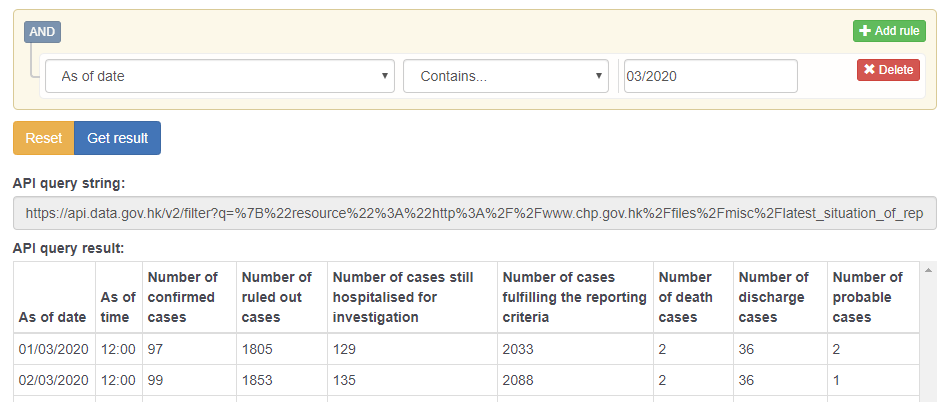
2. Now, lets take a look at the URL:
https://api.data.gov.hk/v2/filter?q=%7B%22resource%22%3A%22http%3A%2F%2Fwww.chp.gov.hk%2Ffiles%2Fmisc%2Flatest_situation_of_reported_cases_wuhan_eng.csv%22%2C%22section%22%3A1%2C%22format%22%3A%22json%22%2C%22filters%22%3A%5B%5B1%2C%22ct%22%2C%5B%2203%2F2020%22%5D%5D%5D%7D
We can paste it to the web browser and get the same results in JSON fomat. Now it is the time to create a REST connection. The https://api.data.gov.hk/v2/ part of the URL is the main connection URL.
Continue Reading "Working with third-party REST API"