Memorial Day sale

Special offer: Buy one get one free

Time Remaining


Purchase any of our products below and get one product free of equal or lesser value. Once you placed your order contact support team with your order number to claim your gift.

Eligible products and addons:

Continue reading Memorial Day sale »

Validation in PHPRunner and ASPRunnerPro applications

Data validation is very important in web applications. You do not want your users to enter incorrect data. Our web application builders can help you with this.

In this article we cover different validation type starting with built-in validation and making it all the way through to advanced AJAX-based validation.

Client-side validation

Client side validation (Javascript based) provides instant feedback to the user making it a good usability choice.

Built-in validation types

This validation will work if you need to make sure that all required fields are populated or validate a relatively simple data format like US Social Security Number.

Continue reading Validation in PHPRunner and ASPRunnerPro applications »

Displaying a page in a popup window

If you take a look at Xlinesoft Marketplace you will find that many functions like login/register/rate are implemented in popup windows. This approach greatly improves usability, users do not need to leave the page they are on in order to logon. This article shows how to add such functionality to your PHPRunner or ASPRunner application.

Continue reading Displaying a page in a popup window »

How to create your own Edit control plugin

PHPRunner 6.2 and ASPRunnerPro 7.2 add an exciting new feature - custom edit controls. You are longer limited by stock Edit controls that come with the software. And the best of all, creating new Edit controls is not complicated and we'll show how this can be done.

We will show you how to create ColorPicker and SignaturePad plugins. Before we proceed I recommend to check the following live demo that showcases both edit controls plugins. SignaturePad control works on mobile devices as well.


Continue reading How to create your own Edit control plugin »

Preview of new features in PHPRunner 6.2 and ASPRunnerPro 7.2

We plan to release a beta version of new PHPRunner and ASPRunnerPro in August-September 2012. Here are some of new features you can expect in this update.

New file/image upload control

  • select and upload multiple files at once. You only need one database field to store all file names.
  • customizable list of allowed file extensions
  • max number of files
  • file size restriction (for each file individually and total upload size)
  • customizable path to upload folder. May contain PHP variables. No need to write events code if you want to save each user' files to separate folder. Sample upload path: $_SESSION["ProjectID"]."/".$_SESSION["UserID"]
  • Drag-n-drop upload - drag files from your desktop right to web page

Upload settings:

Continue reading Preview of new features in PHPRunner 6.2 and ASPRunnerPro 7.2 »

How to troubleshoot Javascript errors

In this article we will be focusing on debugging and troubleshooting the JavaScript errors. We will look at few examples to illustrate the methods used.

For this purpose we will be using developers tools that come with Chrome browser. If you use Firefox – download and install the Firebug. Firebug is an extension to . . . → Read More: How to troubleshoot Javascript errors

Troubleshooting charts in PHPRunner and ASPRunnerPro applications

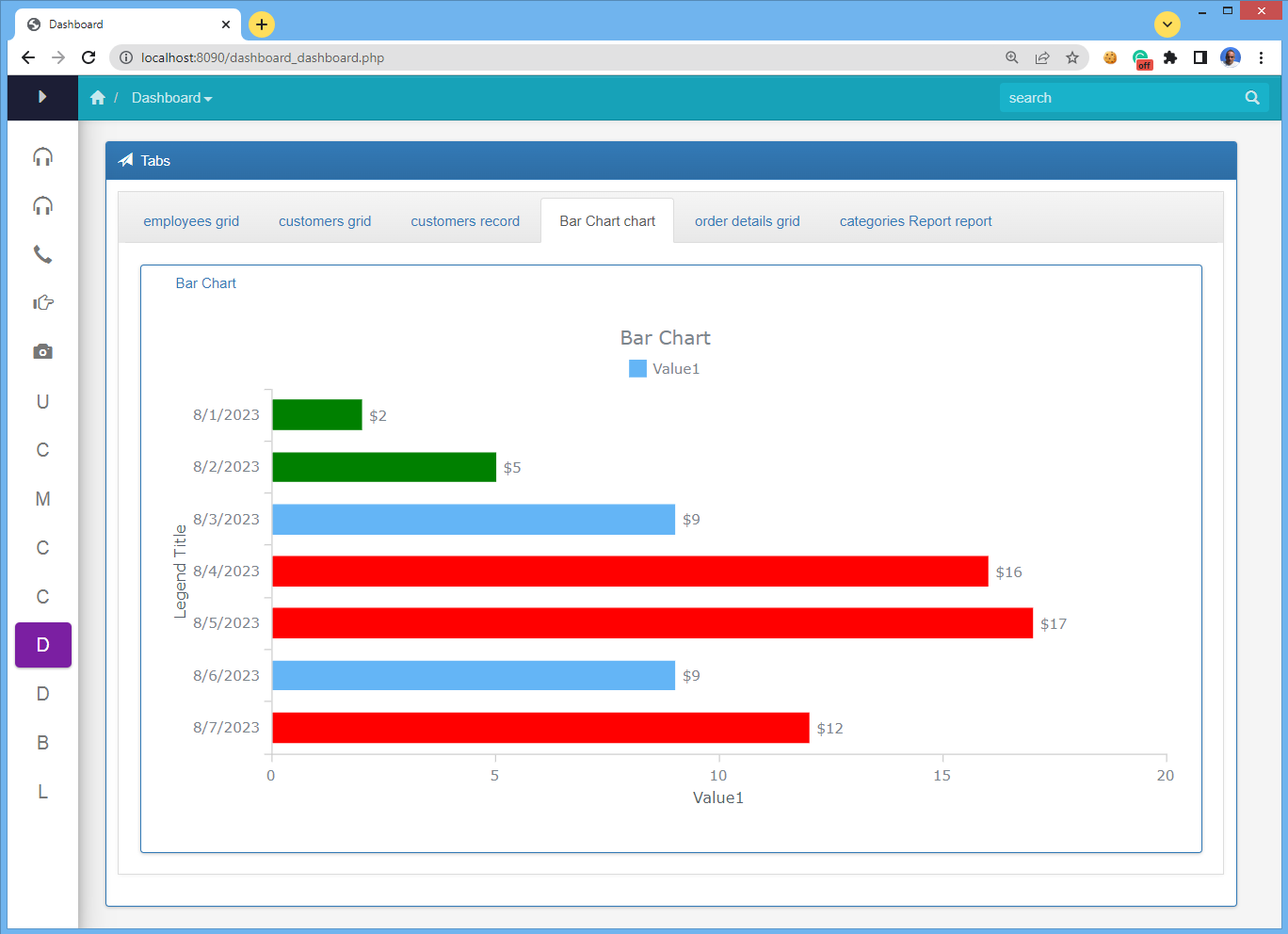
In this tutorial we’ll find out how to troubleshoot chart errors in our applications. PHPRunner and ASPRunnerPro applications use Flash-based charting component that receives data in XML format. If any error happens while generating XML input you will see the following message instead of chart:

XML Parser failure: The element type must be terminated . . . → Read More: Troubleshooting charts in PHPRunner and ASPRunnerPro applications

Troubleshooting custom buttons in PHPRunner and ASPRunnerPro applications

Lets says you have a database of cars. You have added a button to the List page that should update selected cars statuses as ‘Sold’. Your code looks good and passes syntax check still doesn’t work when you run your application. The worst of all – it doesn’t produce any visible errors. In this . . . → Read More: Troubleshooting custom buttons in PHPRunner and ASPRunnerPro applications

Video: connection to remote MySQL, XAMPP installation, FTP upload

This is the second video in educational series that shows how you can create a simple project, connect to your database, build it and view in browser.

Here is the outline:

connection to local or remote MySQL database previewing your application using built-in web server XAMPP installation previewing your application using XAMPP’s web server . . . → Read More: Video: connection to remote MySQL, XAMPP installation, FTP upload

Dropdowns video tutorial

We are starting a series of educational videos on how to use PHPRunner and ASPRunner. The videos will be complementing our existing tutorials yet covering a larger number of topics in greater depth with many more examples. The topics will be grouped by difficulty levels (Beginners, Intermediate, Advanced) giving you the most comprehensive and . . . → Read More: Dropdowns video tutorial