Version 11.3 build 44452 introduces new visual theme: Harbor.
Harbor is a new PHPRunner/ASPRunner.NET theme created for modern, data-driven applications. It combines deep navy navigation, clean white surfaces, subtle borders, and a restrained blue accent. We paid special attention to the areas people use every day: grids are easier to scan, forms have more breathing room, dashboards share a consistent card style, and common actions are easier to recognize. Small touches—like removing vertical grid lines, standardizing panel headings, and adding icons to key buttons help Harbor feel cleaner and more focused while keeping the familiar workflow.
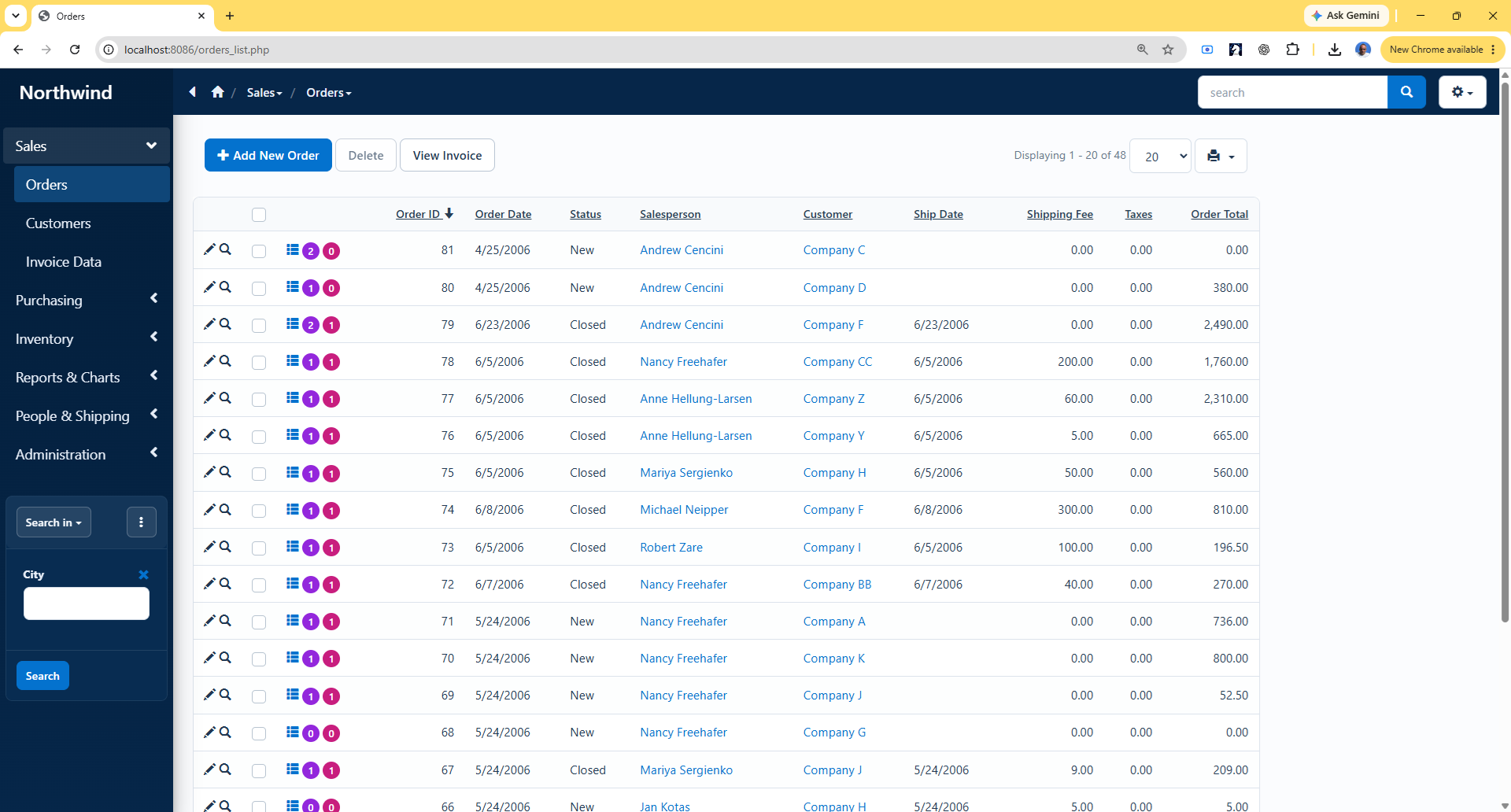
Key features:
- Professional navy, white, gray, and blue color palette.
- Distinctive dark sidebar with clear active and hover states.
- Cleaner grids with horizontal separators and no vertical lines.
- Improved table spacing, row highlighting, and numeric alignment.
- Consistent card styling across panels, forms, and dashboards.
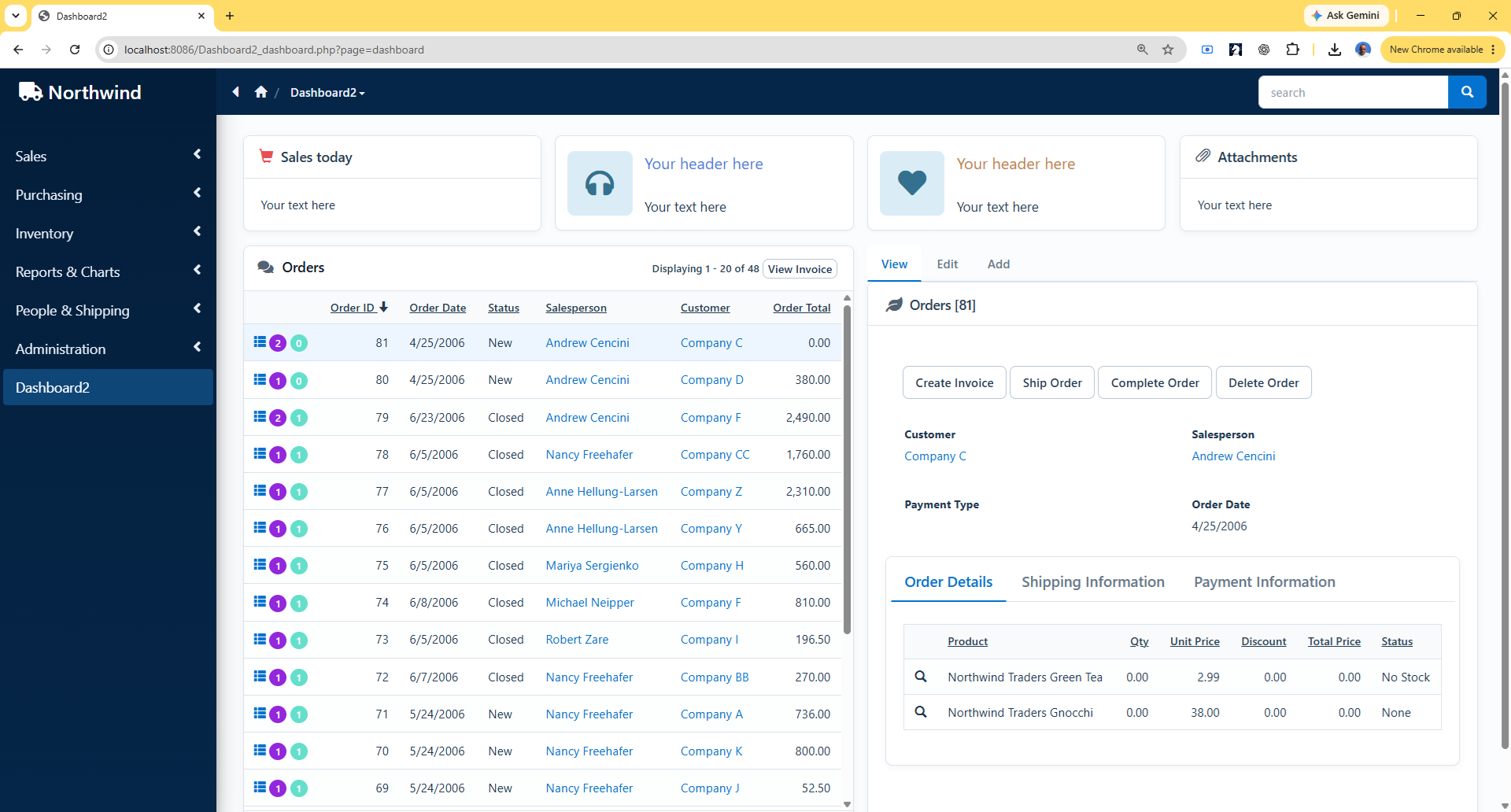
- Unified dashboard widgets, charts, snippets, and grid elements.
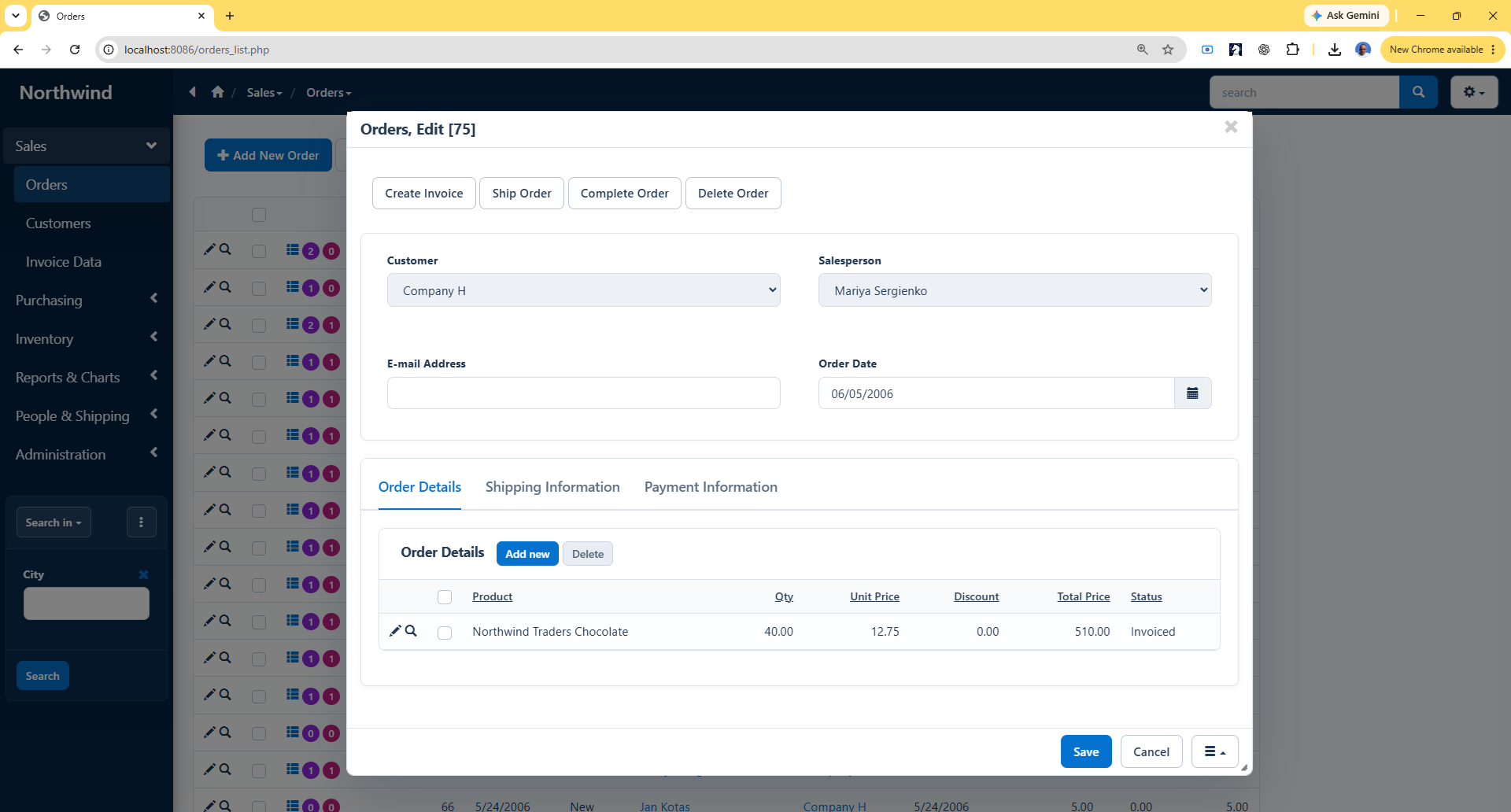
- Cleaner Add, Edit, and View pages with spacious fields.
- Modern tabs with simple blue underline navigation.
- Refined buttons with icons, hover, focus, and disabled states.
- Polished dropdowns, pagination, breadcrumbs, alerts, and modals.
Additional considerations:
A polished web application takes more than choosing a visual theme. Thoughtful layouts, consistent spacing, clear navigation, well-chosen icons, readable grids, and carefully organized forms all help turn a good theme into a great user experience. Here are some additional tips.
- Do not overcrowd your pages with data. If you display thirty fields in a grid, it is not going to look well. Choose only those fields that are necessary and mov the rest to additional pages like View.
- Turn off vertical lines in grids. It brings focus to the actual data
- Add icons to some common buttons like ‘Add new’ and ‘Back to list’. Not every button needs it, use with moderation.
More screenshots:
Edit page:
Dashboard:
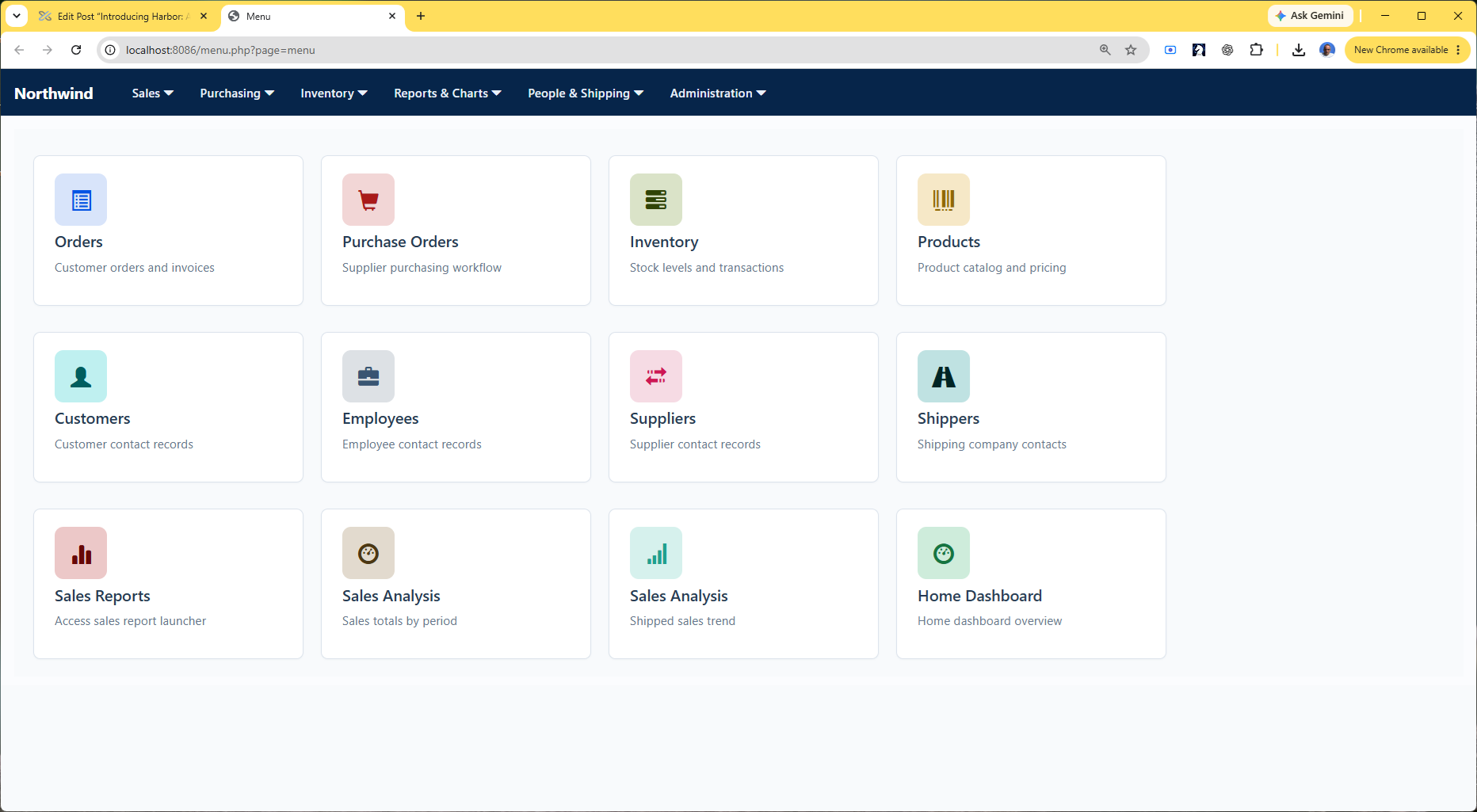
Welcome page:
Enjoy!
it is amazing!