Build an internal web application with Active Directory login
Active Directory can tell an internal application who the employee is and whether the account is valid. It does not, by itself, decide which business records that employee may see or what actions they may perform.
PHPRunner and ASPRunner.NET Enterprise editions can use Active Directory authentication, but application roles and record permissions still need to be designed around the work.
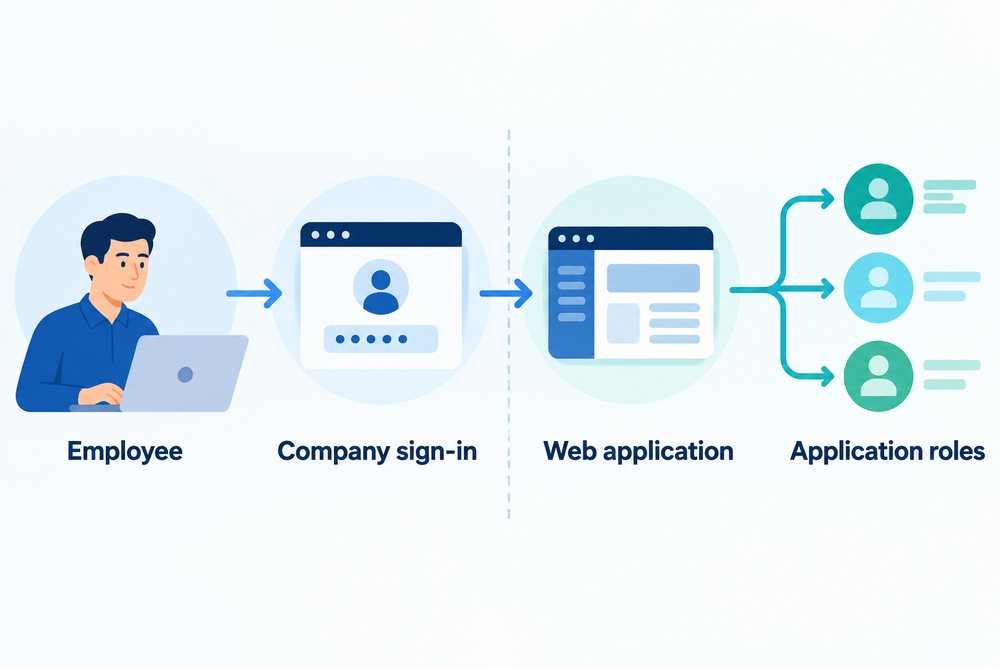
Quick answer: Use Active Directory as the source of identity. Map authenticated users or directory groups to application roles, then let those roles control pages, records, fields, and actions. Keep a deliberate test method for checking permissions without weakening production authentication.
Identity and authorization are different decisions
A successful login confirms an account. The application must still decide whether that person is a requester, reviewer, department manager, or administrator. Those roles may depend on directory groups, application data, or both. Write the permissions in business terms before implementing the mapping.
Map stable groups, not individual exceptions
Where possible, connect application roles to groups managed through the normal employee lifecycle. This makes onboarding and offboarding predictable. Keep application-specific attributes in the application when they do not belong in the directory, such as region ownership, approval limits, or temporary delegation.
Test the permission matrix safely
Create representative test accounts
Use accounts for each major role and organization boundary.
Test denied paths
Check direct URLs, exports, files, related records, and actions, not only menus.
Separate production overrides
If administrators can impersonate or test another role, log the action and prevent it from becoming a normal login bypass.
How PHPRunner and ASPRunner.NET fit
The Enterprise editions support Active Directory authentication and application permissions. Directory users can be mapped into the application’s security model, while page, table, field, action, and record-level rules determine what an authenticated employee can actually do.