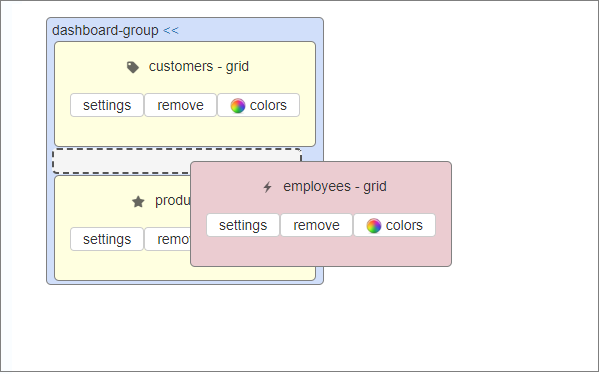
To create a dashboard tabbed element proceed to the dashboard in the Page Designer and insert two regular dashboard items first. Can be grids, single record elements, maps etc. After that, drag one element onto another and it will create a dashboard group that will display all elements in tabs.
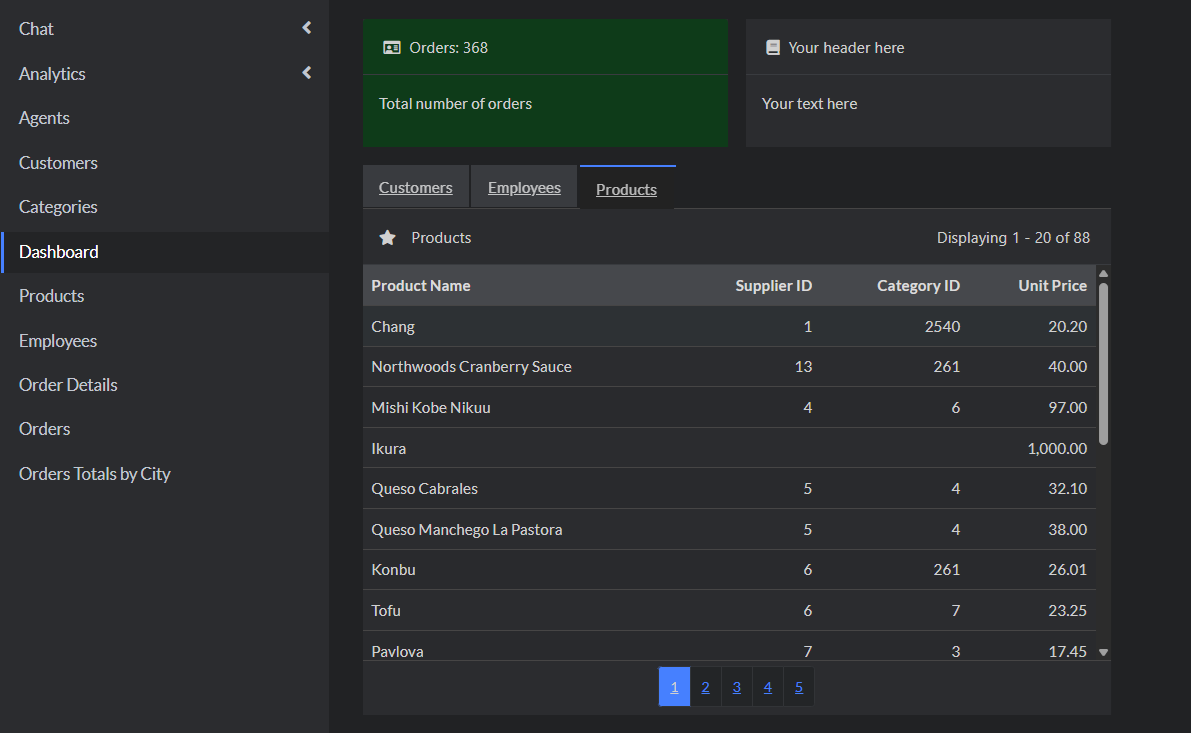
And this is how it is going to look in the generated application:
See also:
•Master-details relationship between tables
•Creating and configuring reports
