Building online reports with PHPRunner
Reporting functionality in PHPRunner provides a great way to present or print data in detailed and grouped formats with automatically calculated fields (subtotals, totals etc). Reports can be based on single or multi-table queries. Using search form users can filter report data.
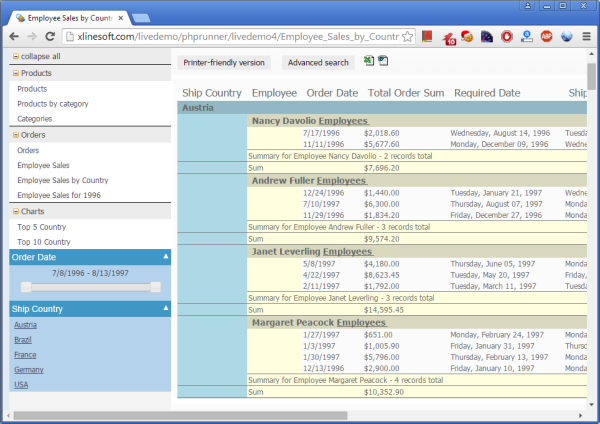
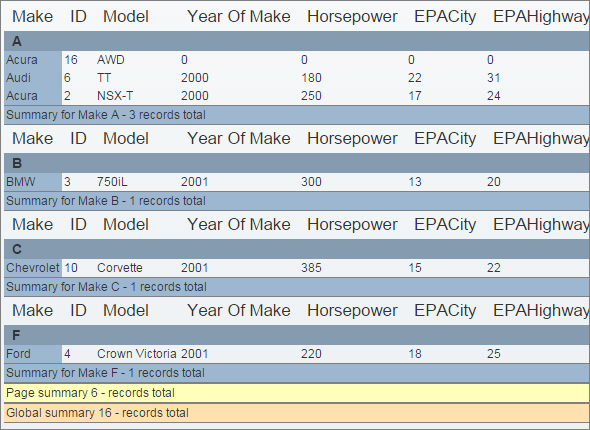
Reports are often used to represent data in grouped, hyerarchical format. On Group Fields tab you can choose group fields, grouping types, what summary types to show etc. You can choose to show both details and summary or just a summary on report page. Besides standard intervals (new group starts when group field value changes) you can use other interval types. Available interval types are different for each data type. Here is the example of text group field using first letter as an interval.
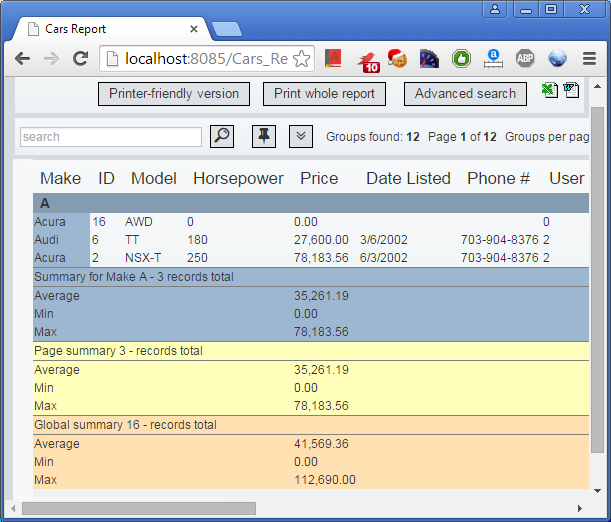
On Report Totals tab you can choose what fields to display on the report/search pages. Also, you can apply aggregate functions like MIN, MAX, SUM and AVERAGE. The results of these calculations will be displayed after each group and at the end of page/report.
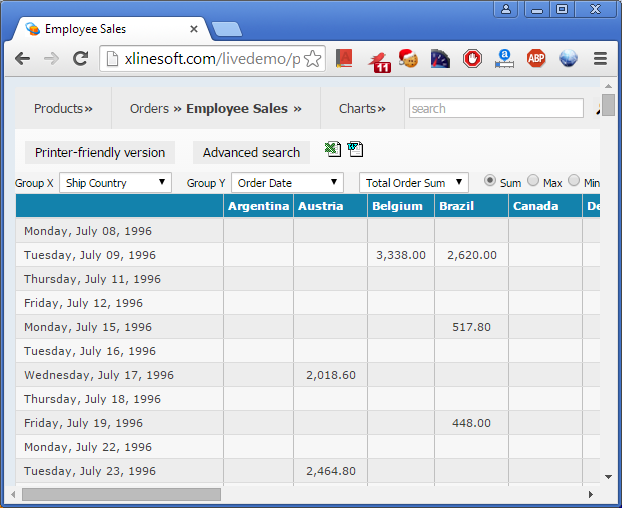
Sometimes it is necessary to rotate results so that columns are presented horizontally and rows are presented vertically. This is known as creating a PivotTable, creating a cross-tab report, or rotating data.