A user with admin permissions (admin) can create custom SQL queries that can be used by other users as a data source for reports and charts. Admin can edit and delete custom SQL queries as well.
To view/create/edit/delete custom SQL queries, click the Custom SQL button on the start page.
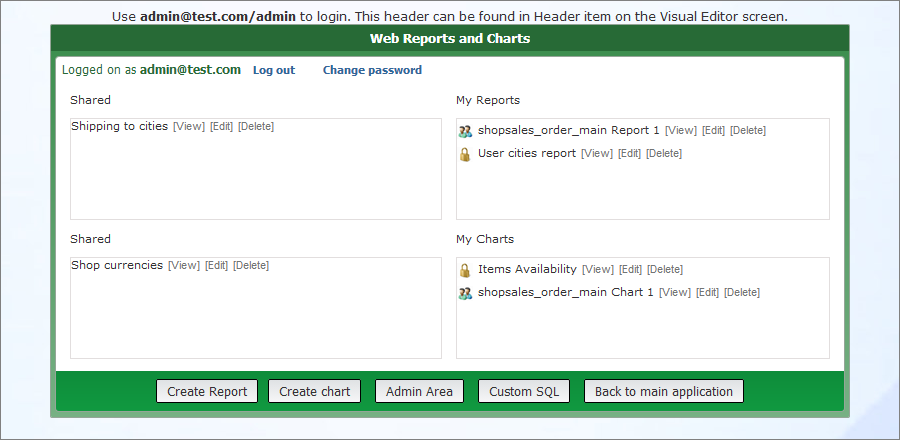
To create a new custom SQL query:
1. Click the Custom SQL button on the start page to open the Custom SQL page.
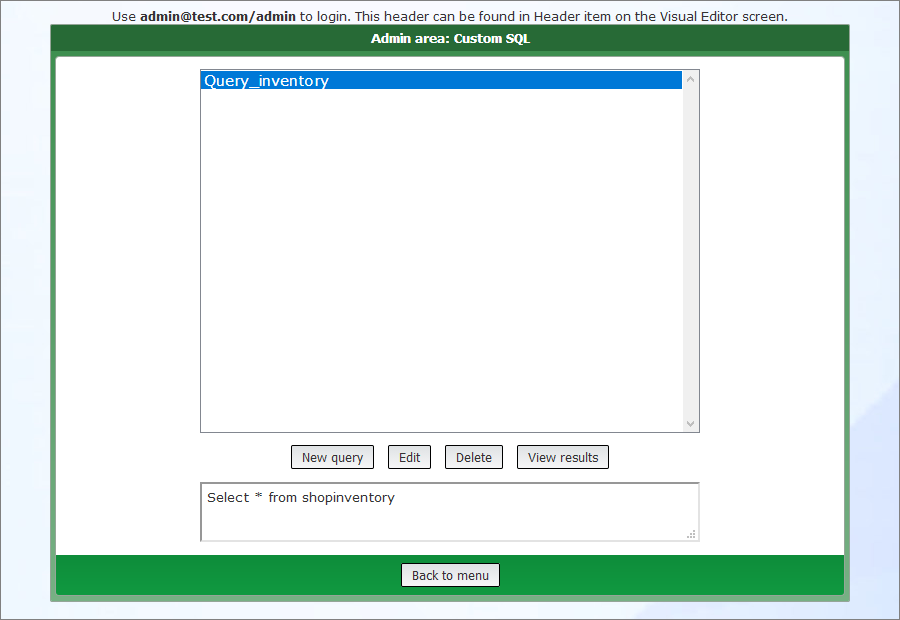
2. Click the New query button.
3. Enter the SQL query name and the query code. If you wish to set up permissions for the created query, select the Proceed to permissions screen checkbox.
Note: you can set up the permissions later on the Admin page.
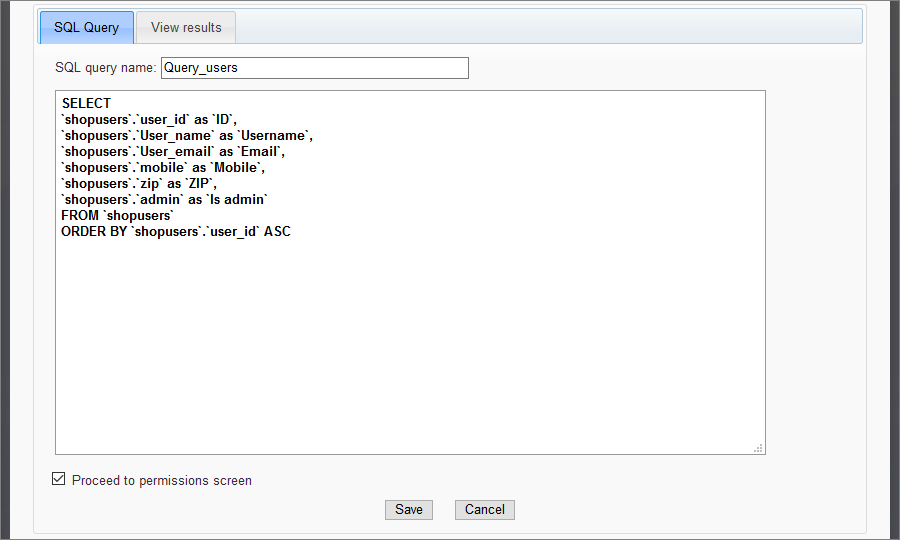
Note: you can use stored procedures in the query code for the supported databases (MS SQL Server, MySQL, Oracle, etc.).
Here is an example of calling the stored procedure with parameters in MS SQL Server:
EXEC [Employee Sales by Country] '10/10/2007','10/10/2009'
Here is an example of calling the stored procedure without the parameters in MS SQL Server:
EXEC [Ten Most Expensive Products]
4. Click Save.
5. Configure the permissions.
If you selected the Proceed to permissions screen checkbox, you are redirected to the Permissions screen, where you can set up the group permissions for the created query.
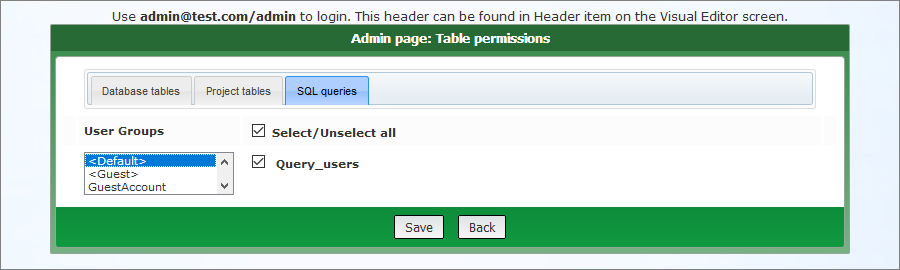
Click Save to save the permissions and go back to the Custom SQL page.
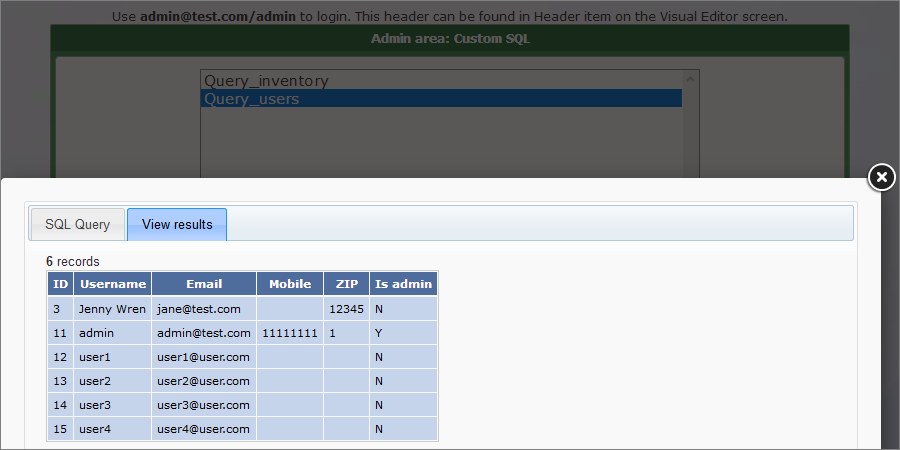
6. You may now select the created query and click the View results button to preview the resulting table.
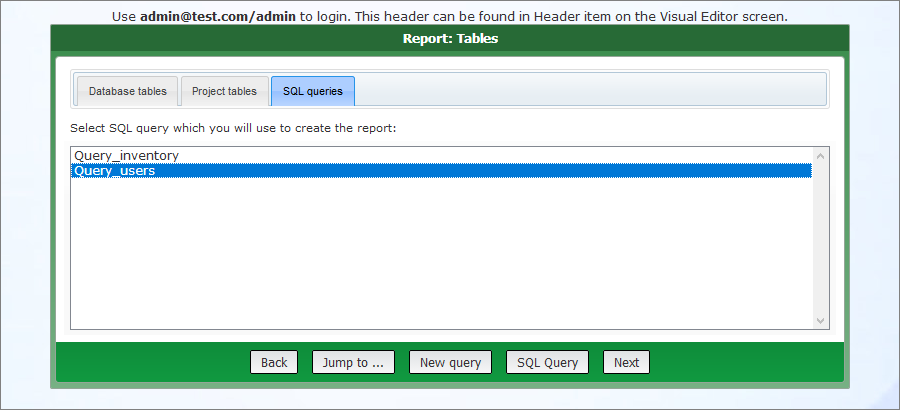
When creating a report/chart, anyone who has permissions can choose the custom SQL query as a data source. Switch to the SQL queries tab on the Tables page to do so.
See also:
